Edit a Moodle course
Updated on: 7 May 2025
How to enable edit mode in Moodle
Edit a Moodle course
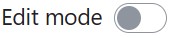
Navigate to the course you would like to edit. If you have a role on that course that allows editing, you will see the edit mode toggle in the top right corner of your web browser.
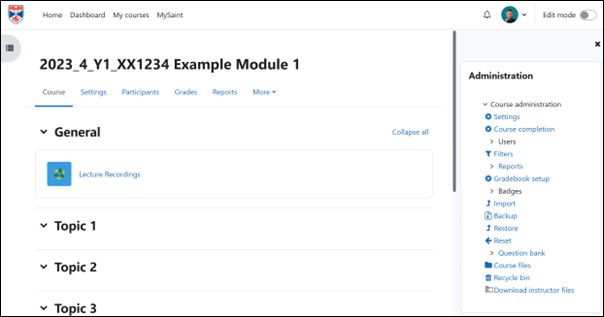
Click the edit mode toggle button to enable editing.

After you have completed editing, toggle the button back to the off mode.